# Block Structures

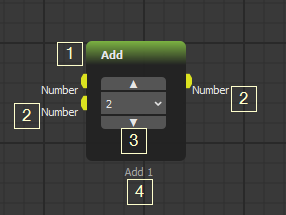
A function block consists of several elements:

1. Header
2. Sockets
3. Controls
4. Unique Name

<figure><img src="/files/bnqqeLKWNmz72juUkAOa" alt=""><figcaption></figcaption></figure>

## Header <a href="#header" id="header"></a>

Headers can be modified by double-clicking on and setting a custom name.

<figure><img src="/files/WS6vOZhCPkOiqY8TPS6D" alt=""><figcaption></figcaption></figure>

## Tool Tips <a href="#tool-tips" id="tool-tips"></a>

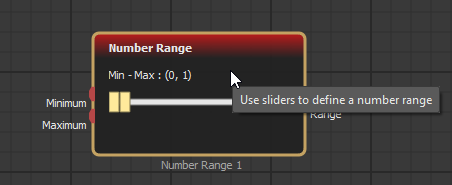
Tool-tips are shown when blocks are hovered on with mouse and display information on inner mechanics of a block.

<figure><img src="/files/lQSy8tUJwHH8jxJdI9dO" alt=""><figcaption></figcaption></figure>

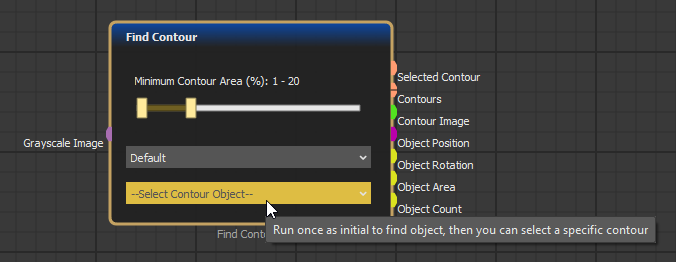
Same rules also apply to Controls. Hovering over [Controls](#Controls) may show additional information:

<figure><img src="/files/Qez305XyD4hrDKzNAHmt" alt=""><figcaption></figcaption></figure>

## Controls <a href="#controls" id="controls"></a>

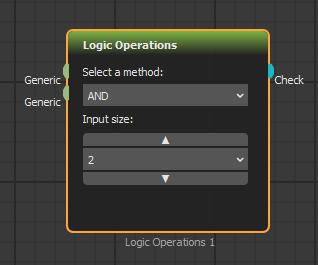
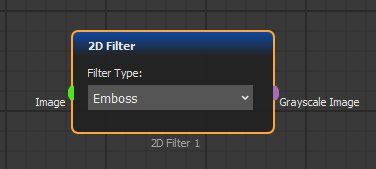
Controls are custom buttons, lists, or any kind of interactable objects that are shown inside a function block. These widgets can alter the functionality of each function block.

<figure><img src="/files/kGeA9DXVIuLDbsX44wX8" alt=""><figcaption><p>Two same blocks with different widget configurations</p></figcaption></figure>

## Inputs Sockets <a href="#inputs-sockets" id="inputs-sockets"></a>

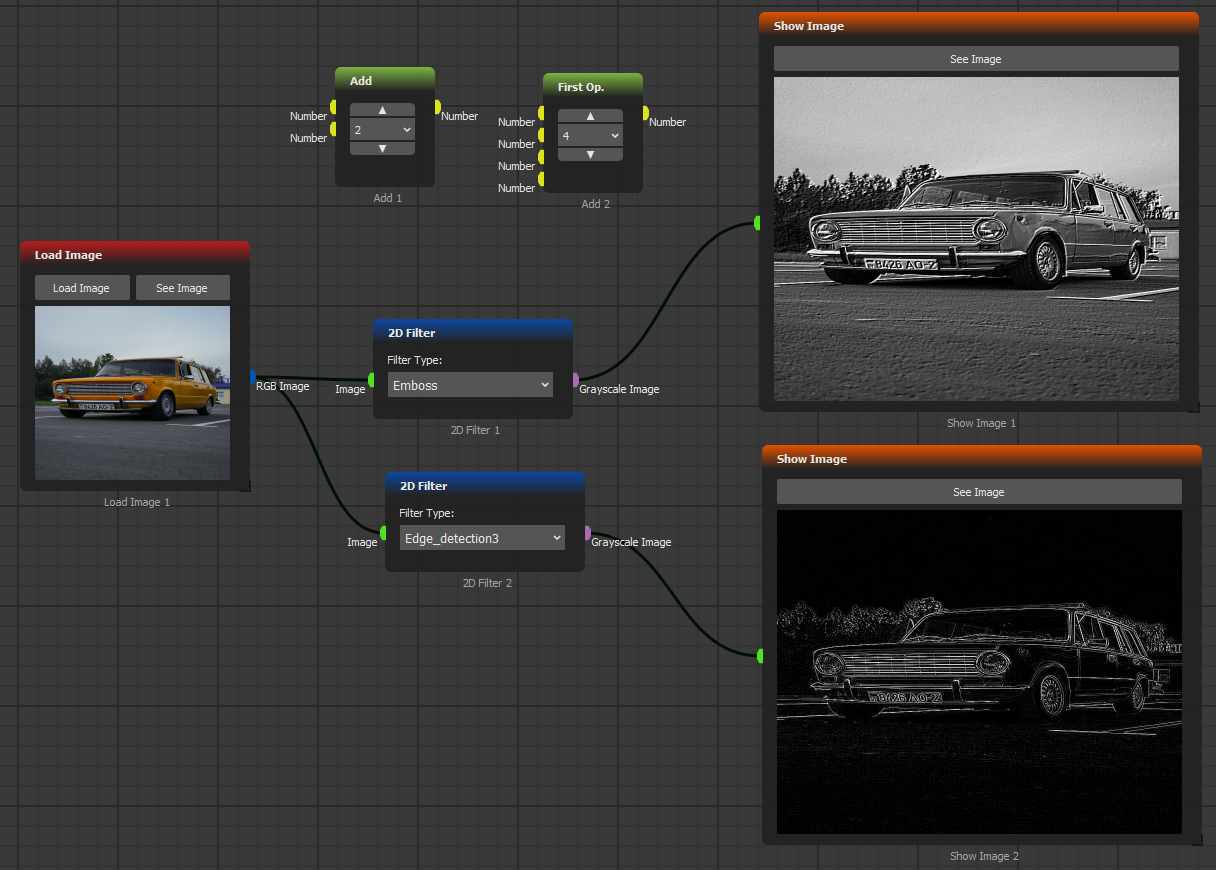
Data is sent to blocks through input sockets. There are usually multiple sockets in a single block.

Robust data transfer is guaranteed when sockets with same color or category are connected.

<figure><img src="/files/Ac9QHTg1NYFVrrVCZab3" alt=""><figcaption></figcaption></figure>

## Output Sockets <a href="#output-sockets" id="output-sockets"></a>

Results get sent away from outputs and transferred to other blocks by connecting to an input socket.
<figure><img src="/files/5fAnVRzOr0PAsptPYmxL" alt=""><figcaption></figcaption></figure>


---

# Agent Instructions: Querying This Documentation

If you need additional information that is not directly available in this page, you can query the documentation dynamically by asking a question.

Perform an HTTP GET request on the current page URL with the `ask` query parameter:

```
GET https://docs.augelab.com/function-blocks/block-structures.md?ask=<question>
```

The question should be specific, self-contained, and written in natural language.
The response will contain a direct answer to the question and relevant excerpts and sources from the documentation.

Use this mechanism when the answer is not explicitly present in the current page, you need clarification or additional context, or you want to retrieve related documentation sections.