> For the complete documentation index, see [llms.txt](https://docs.augelab.com/llms.txt). Markdown versions of documentation pages are available by appending `.md` to page URLs; this page is available as [Markdown](https://docs.augelab.com/function-blocks/blocks-column.md).
# Blocks Column
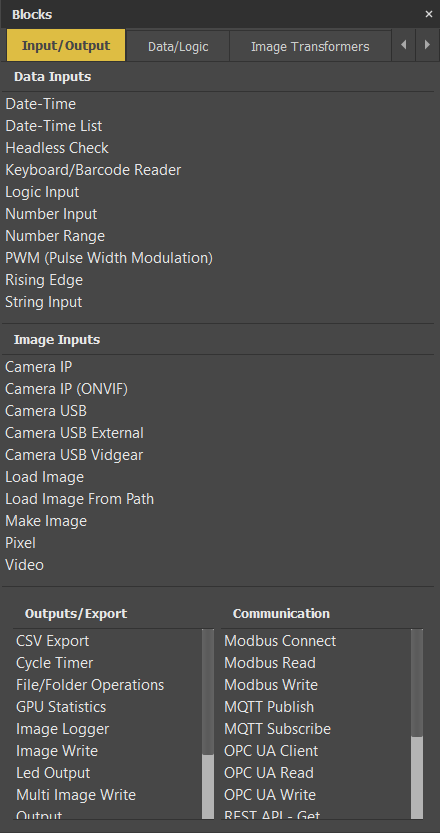
Blocks sections includes all the essential functional blocks for you the prepare and deploy your scenarios:
Blocks Section
You may find the detailed description about each block under [All Blocks](/function-blocks/blocks-reference.md).
Each blocks section is divided into several tabs:
Input/Output
Input/Output section includes blocks that are responsible for supplying data your scenarios and export out.
Data/Logic
This tab include manipulation of data types outside of images, such as:
* Strings (texts)
* Numbers
* Logical data (true-false)
* Dictionaries, key-value based special containers
Image Transformers
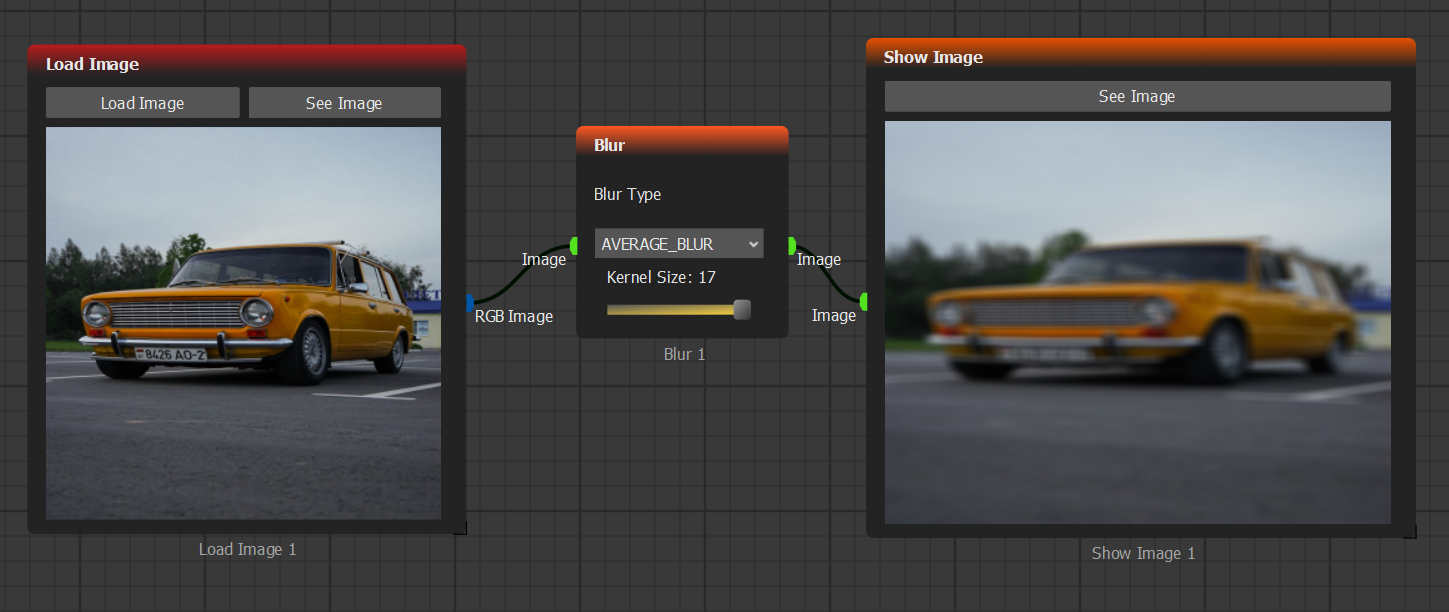
Here, all function blocks that manipulate image data, such as:
Blur Transformer
Detections/Shapes
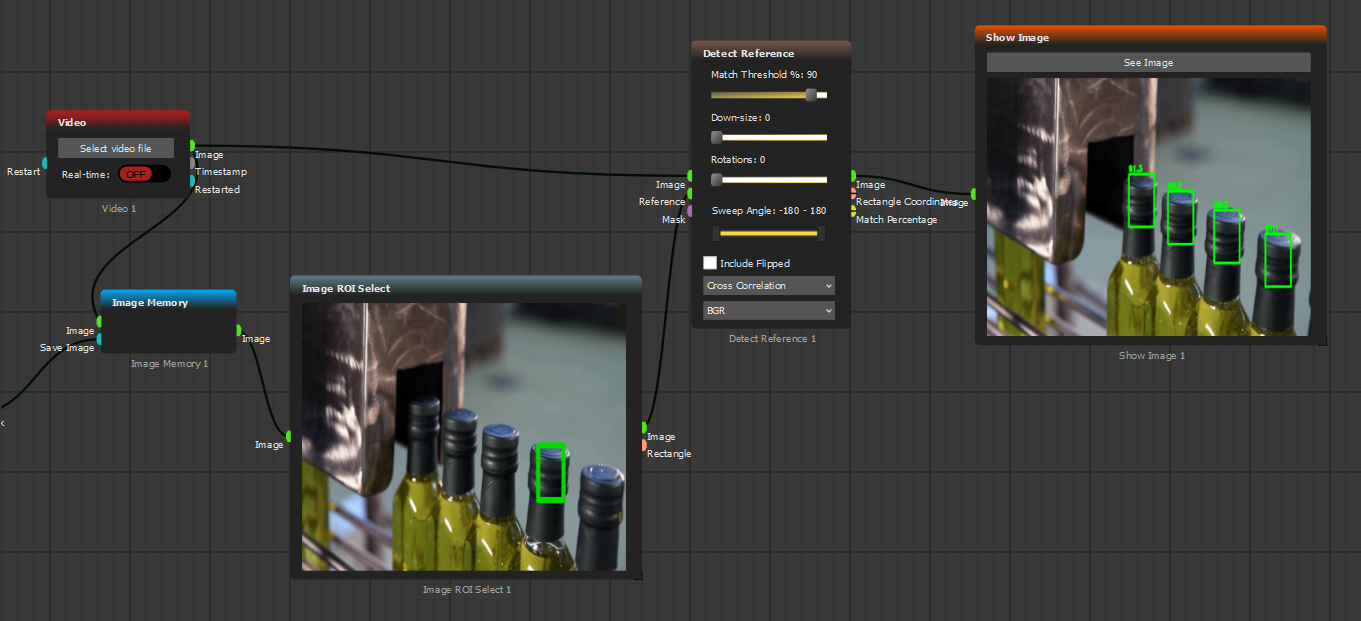
Here, necessary function blocks for detection of shapes and patterns can be found:
Detect Reference Block
AI Blocks
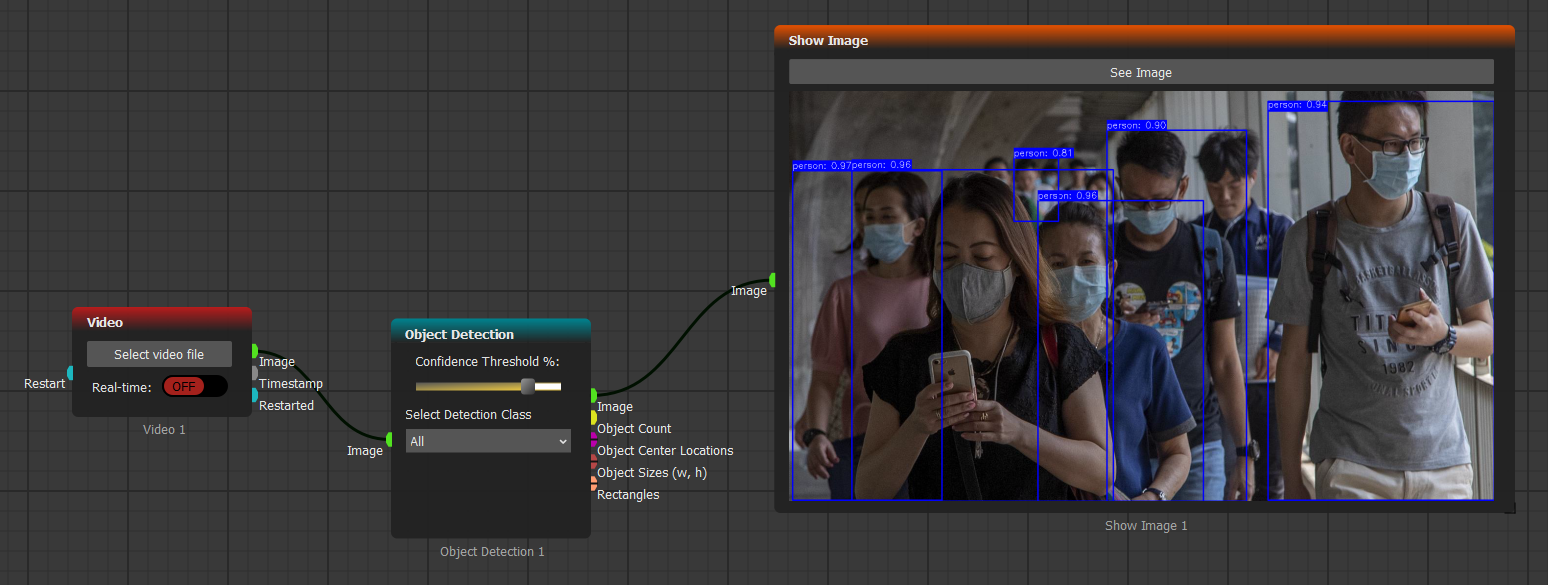
Integrates AI algorithms for advanced image analysis and processing:
Detect Reference Block
Custom Blocks
All plugins and user created custom blocks can be shown here.