> For the complete documentation index, see [llms.txt](https://docs.augelab.com/llms.txt). Markdown versions of documentation pages are available by appending `.md` to page URLs; this page is available as [Markdown](https://docs.augelab.com/function-blocks/connection.md).
# Connections
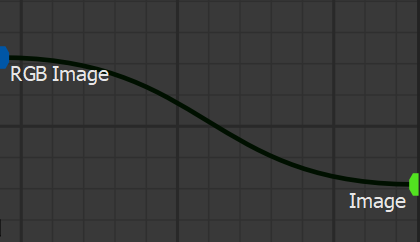
Connections in AugeLab Studio represent the connections between function blocks:
{% hint style="warning" %}
Be cautious of creating recursive connections, as they can lead to potential data loss and workflow disruptions.
{% endhint %}
You should always aim to connect sockets that show similar or same types.
Connections in AugeLab Studio can be manipulation with several shortcuts:
## Moving Existing Connections

Hover on a socket that is connected, press and hold `Ctrl`, click and hold with `Left Mouse` and move the existing connections to a socket you need, then release.
## Removing Connections

You can remove connections by removing them with keyboard shortcuts or clicking `Ctrl+Left Mouse Click` and dragging it.