> For the complete documentation index, see [llms.txt](https://docs.augelab.com/llms.txt). Markdown versions of documentation pages are available by appending `.md` to page URLs; this page is available as [Markdown](https://docs.augelab.com/getting-started/simple-tour.md).
# Simple Tour
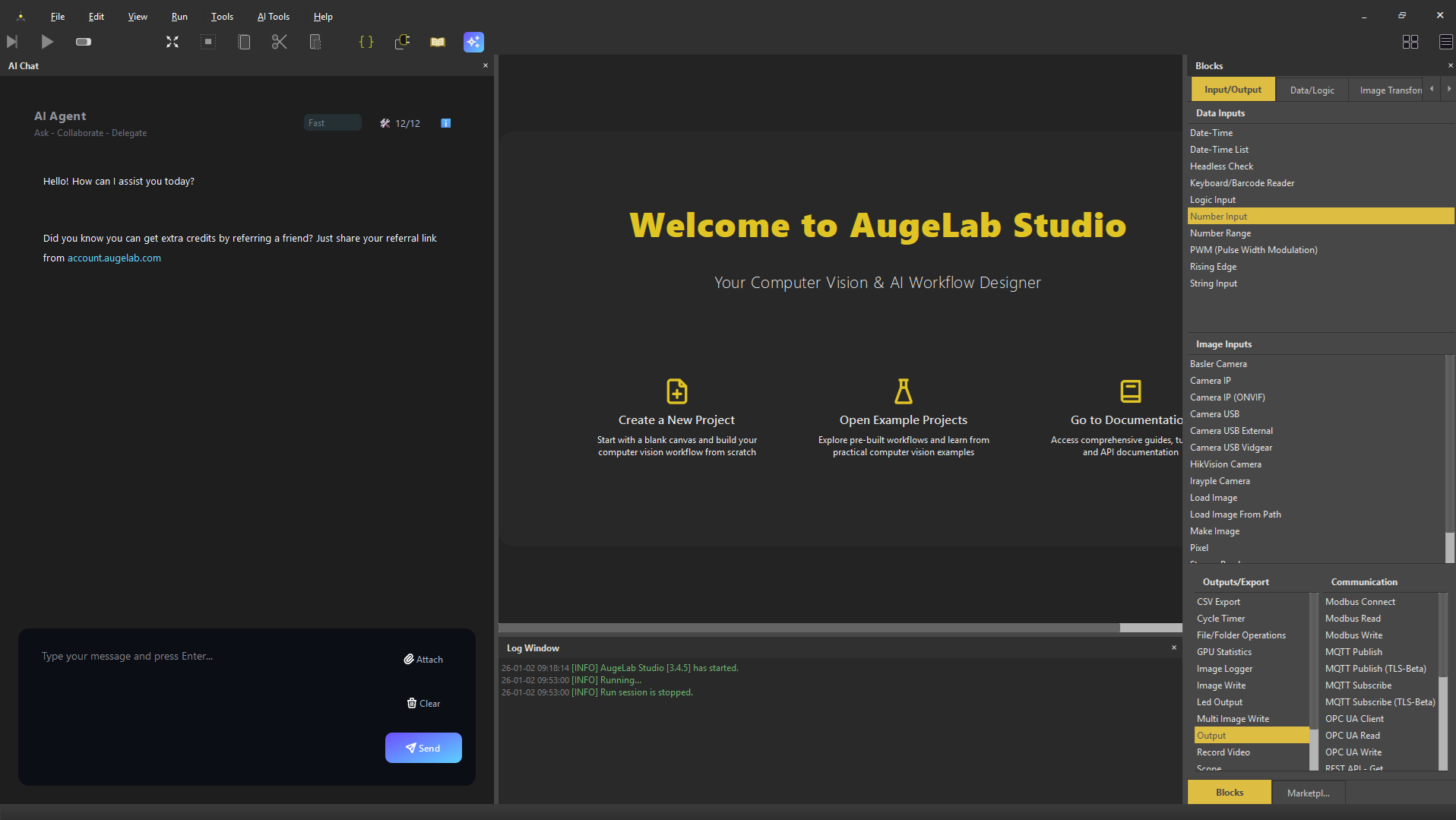
AugeLab Studio User Interface
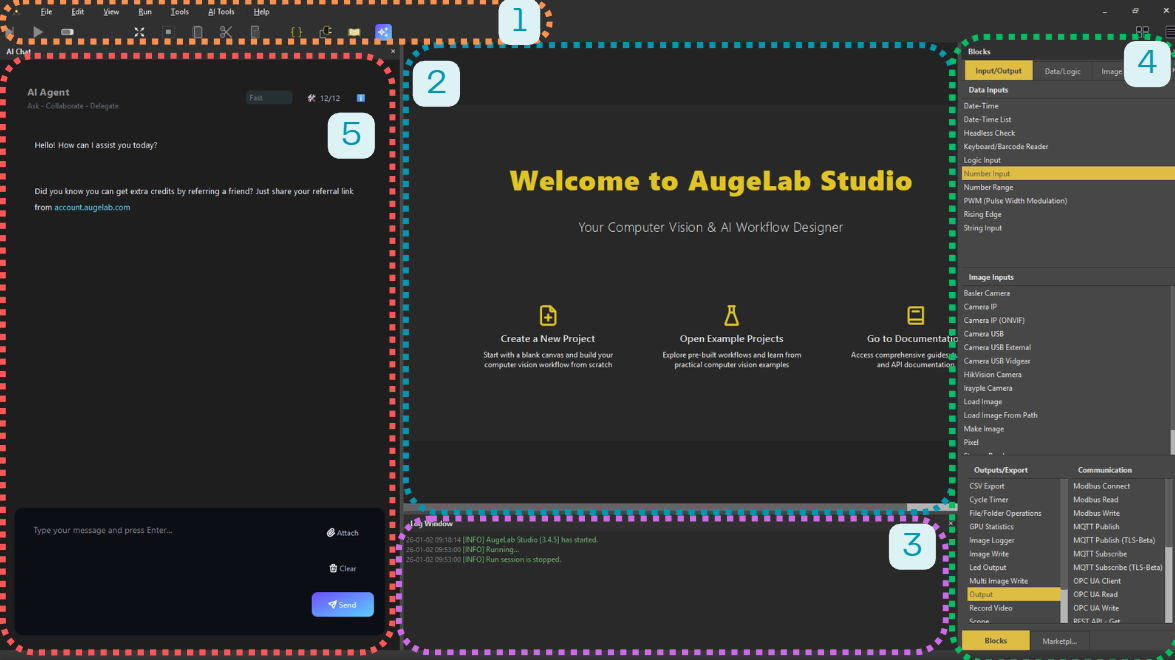
AugeLab Studio is designed with simplicity and ease of learning in mind. There are only four main sections you'll be using during your AugeLab Studio journey:
AugeLab Studio User Interface
1️⃣ `Menubar` is where most tools, utilities and controls lie. You create scenarios, save/load them, run and debug them using this section.
2️⃣ `Scenario Area` is where you create your own solutions. You can create a new scenario, open example projects and get back to documentation from here.
3️⃣ `Blocks Area` is where all out-of-box function blocks can be seen.
4️⃣ `Log Window` is used to log and show information, warnings and errors to the user.
5️⃣ `AI Agent` area is where you can interact with the AI Agent to get help, automate, getsuggestions and code snippets.
***
That's all! Now, click on `File ➡️ New` from the top left side of menubar and let's make your very first computer vision project!