> For the complete documentation index, see [llms.txt](https://docs.augelab.com/llms.txt). Markdown versions of documentation pages are available by appending `.md` to page URLs; this page is available as [Markdown](https://docs.augelab.com/key-features/ai-agent-usage.md).
# AI Assistant | HMI, Workflows and Custom Blocks
AI Agent
AugeLab AI is your in-app expert for features, troubleshooting, and workflow design. For the best results, always provide **Context** (Goal, Setup, Action, and Expected Result).
🛠️ Building Workflows & Scenarios
The AI builds better logic when it knows your environment and constraints.
* **Details to Include:** Input source (Camera/Folder), Output goal (Measurement/Detection), and Constraints (Target FPS/Accuracy).
* **Example Prompt:** > *Goal: Detect missing silver parts on a black conveyor belt moving at 0.2m/s. Setup: Windows 11, NVIDIA GPU, Basler camera. Expected: Recommended node sequence and tuning tips.*
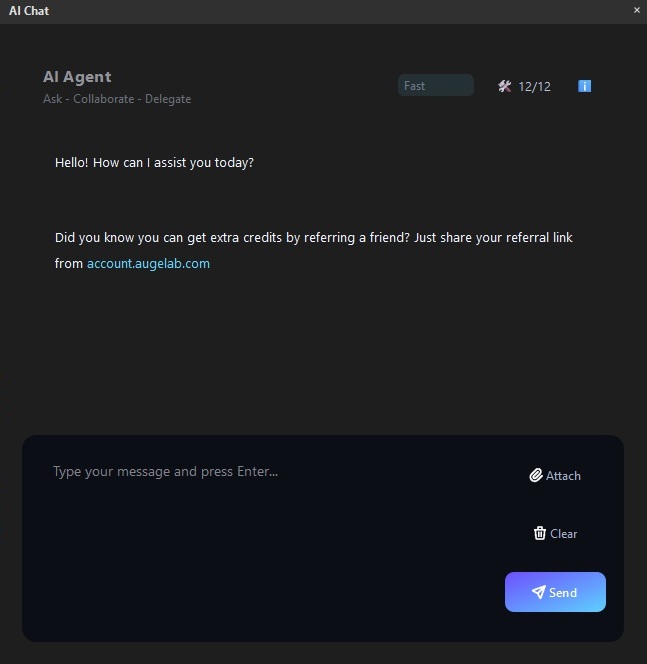
AI Agent Interface
🧩 Designing Custom Blocks
Describe custom blocks like a "mini product spec" for the AI to generate the correct Python structure.
* **Details to Include:** I/O types (Image, Bool, etc.), user-adjustable parameters, and pass/fail logic.
* **Example Prompt:** > *Goal: Create a block that checks if a part is in a safe window. Input: Detection (x,y,w,h). Output: PASS/FAIL for HMI. Need parameters for tolerance and debounce.*
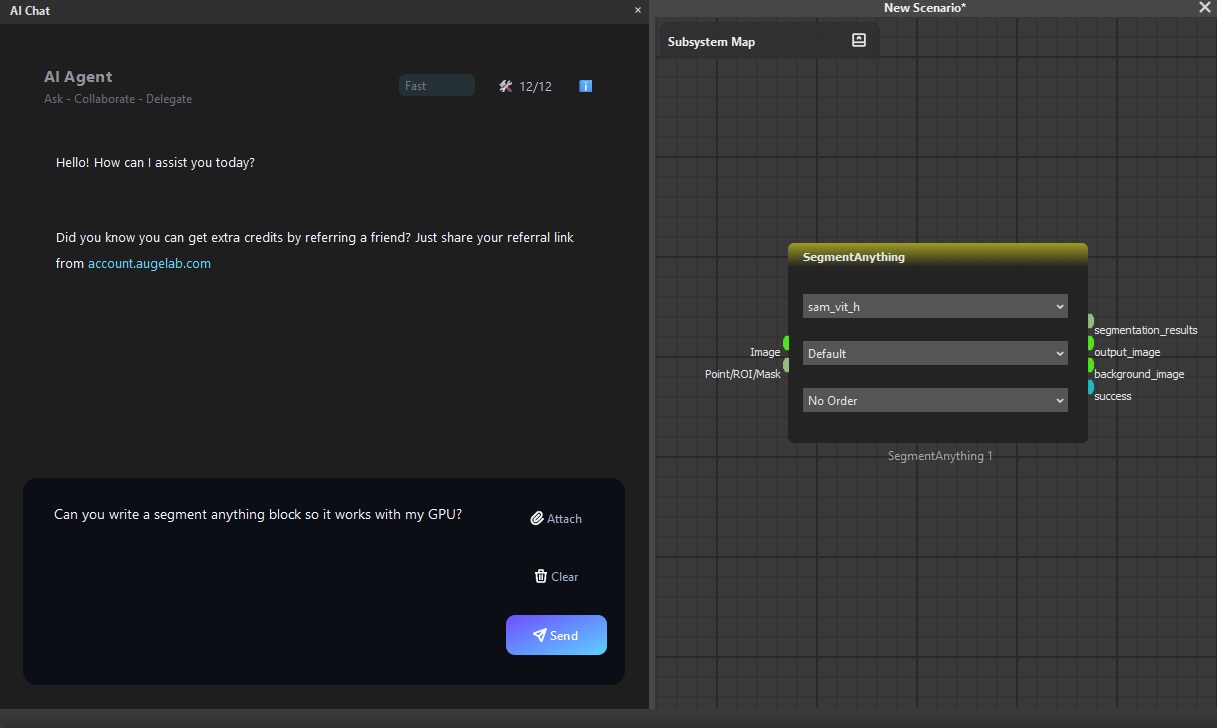
Custom Block Logic
🖥️ Creating HMI Applications
Focus on **who** uses the screen and **what** decisions they need to make.
* **Details to Include:** Target device (Touchscreen/PC), essential glanceable data (Counters/Status), and required actions (Start/Stop/Reset).
* **Example Prompt:** > *Goal: Simple operator HMI for PASS/FAIL station. Needs a large status indicator and a reset button for alarms.*
🐞 Troubleshooting & Performance
To fix errors or "lag," the AI needs evidence.
* **For Bugs:** Provide exact error text, steps to reproduce, and logs.
* **For Performance:** Note which action is slow (e.g., "Inference taking 500ms") and your GPU usage.
* **Example Prompt:** > *Goal: Fix crash on Chat panel. Setup: Windows 11. Action: Clicked Chat menu. Result: App closed immediately. Log: \[Attached].*
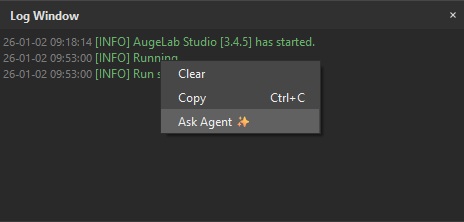
Debugging with AI Agent
📸 Effective Screenshots & Privacy
* **Capture the whole panel:** Show the selected node and the settings panel together.
* **Highlight:** Use arrows or circles to point at the specific error or missing button.
* **🔒 Privacy First:** Never share license keys, passwords, or sensitive customer data. Redact images before uploading.
***
### 💡 If the Assistant gets it wrong:
Don’t start a new chat. Provide a specific correction:
> *"That's not quite right. I'm specifically using the \[Panel Name] and the issue is \[X]. Please avoid using \[Node Y]."*